
On This Page
Holiday Customer Service Automation: Managing Closures, Calls, and Urgent Requests
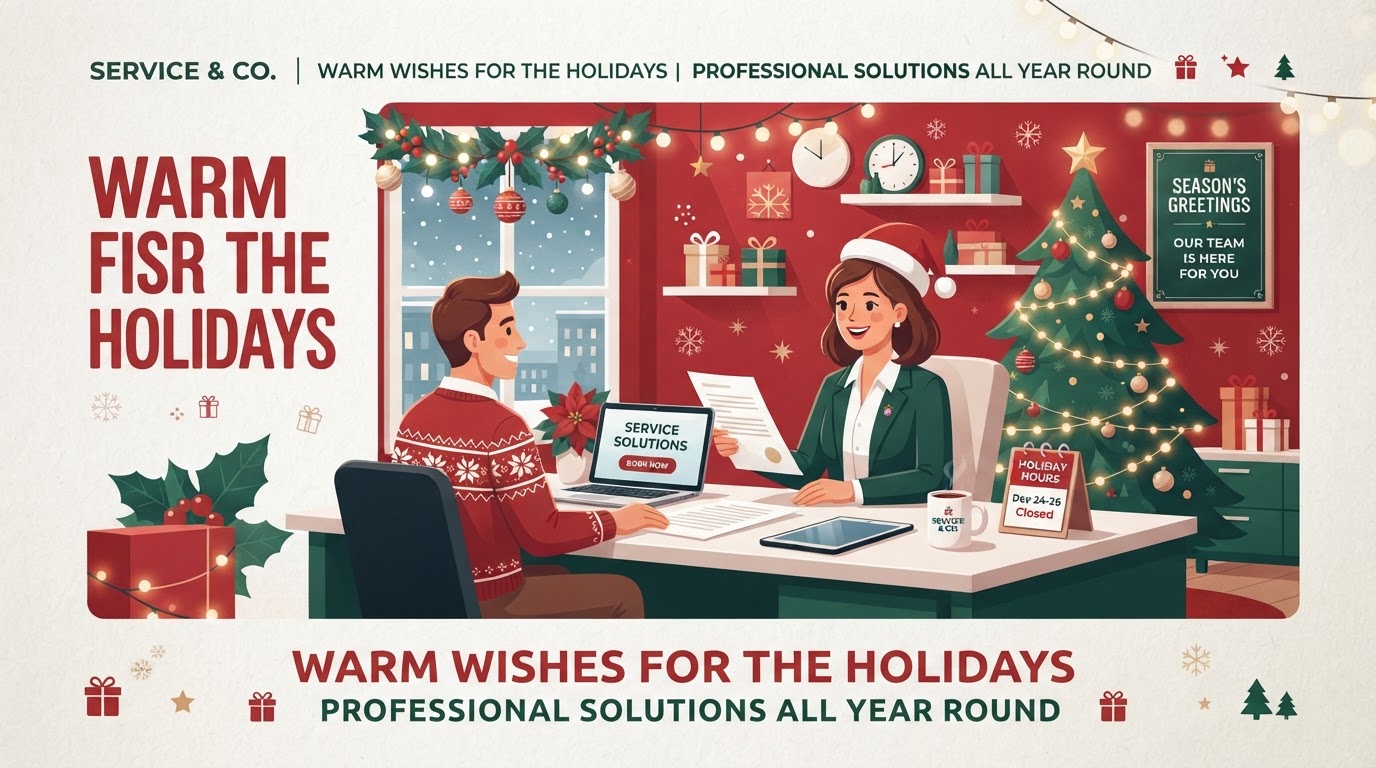
The holiday season creates a customer service paradox: demand surges (more inquiries, more orders, more urgency) while capacity drops (reduced hours, staff vacations, closures). The businesses that handle this well aren't the ones with the biggest teams — they're the ones with automation that manages closures, handles calls during reduced hours, routes urgent requests, and follows up after the holidays. This guide covers the complete holiday customer service automation stack, with cost ranges and a deployment timeline. For holiday-specific offers, see our [Christmas promotion page](/promotions/christmas).
01The Holiday Customer Service Challenge
Holiday customer service is a volume-and-capacity mismatch. Demand increases — more customers, more inquiries, more urgency (holiday deadlines, gift timing, year-end needs) — while capacity decreases — reduced hours, staff vacations, and full or partial closures. The result, for unprepared businesses, is a customer service disaster: long response times, missed inquiries, frustrated customers, and negative reviews that damage the business into the new year.
According to Salesforce's holiday customer service research, 64% of customers expect real-time responses regardless of the time of year — including during holidays — and 76% will switch to a competitor after a single poor service experience. During the holidays, when emotions are high and deadlines are tight, the cost of poor service is even higher: a missed inquiry during the holidays isn't just a lost sale, it's a customer who tells their friends about the bad experience.
The three holiday service challenges are closure management, call handling, and urgent request routing. Each requires different automation, and together they ensure customers are informed, inquiries are captured, and urgent needs are met — even when the business is operating at reduced capacity. Our small business automation guide covers the general framework; this guide adapts it to holiday customer service specifically.
02The Holiday Customer Service Automation Checklist
Here's the complete checklist, organized by function, with deployment timing and cost:
| # | Automation | Function | Deploy By | Cost |
|---|---|---|---|---|
| 1 | Closure announcement automation | Communication | 3 weeks before | $0 |
| 2 | AI chatbot for 24/7 inquiry handling | Capture | 3 weeks before | $50–$200 |
| 3 | Automated call routing & voicemail | Call handling | 2 weeks before | $15–$50 |
| 4 | Urgent request escalation routing | Urgent | 2 weeks before | $0–$50 |
| 5 | Automated email response for reduced hours | Communication | 2 weeks before | $0 |
| 6 | SMS auto-reply for missed calls | Capture | 2 weeks before | $0–$50 |
| 7 | Post-holiday follow-up sequence | Retention | 1 week before | $0–$100 |
| 8 | Review request for holiday customers | Retention | 1 week before | $0–$50 |
Items 1–3 manage the capacity reduction. The closure announcement informs customers before the holidays. The AI chatbot handles inquiries 24/7, even when the business is closed. The call routing and voicemail system manages calls during reduced hours — directing them to voicemail, an on-call line, or an automated response.
Items 4–8 handle the demand surge. Urgent request escalation ensures critical needs are met even during closures. Automated email and SMS responses acknowledge inquiries instantly, even when staff can't respond personally. Post-holiday follow-up and review requests convert holiday customers into year-round clients. Our AI chatbot human handoff guide covers the escalation framework for item 4.
03Closure Management: Informing Customers Before the Holidays
The first rule of holiday customer service: customers should never be surprised by your closure. If they call on December 26 and get voicemail with no explanation, they're frustrated. If they knew in advance you were closed, they're prepared. Communication is the difference between a planned closure and a customer service failure.
The closure announcement automation: Deploy a multi-channel announcement 3 weeks before the closure: a banner on your website ('We'll be closed December 24–26 for Christmas — see our holiday hours'), an email to your customer list ('Holiday hours and closure notice'), a Google Business Profile update (special holiday hours), and an automated phone greeting ('Please note: we will be closed December 24–26...'). The announcement should be clear, early, and consistent across all channels. According to Google's local business guide, updating your Google Business Profile with special hours prevents customer frustration and protects your local search visibility.
The automated email and SMS response. During the closure (or reduced hours), every incoming email and SMS should receive an automated response acknowledging the message and setting expectations: 'Thanks for reaching out. We're closed for the holidays until [date] and will respond to your message on [date]. If your request is urgent, [instructions for urgent contact].' This acknowledges the customer instantly (preventing the frustration of no response) and sets clear expectations for when they'll hear back. Our lead response time automation guide covers the architecture for these automated responses.
04Call Handling During Reduced Hours
Calls are the most challenging holiday service channel — customers expect to reach a person, and voicemail feels like being ignored. The automation strategy is to acknowledge every call instantly, even when no one can answer.
Automated call routing. During reduced hours or closures, route calls to a system that: answers with a holiday greeting ('Thanks for calling [business]. We're closed for the holidays until [date]...'), offers options ('Press 1 to leave a voicemail, press 2 for urgent matters, press 3 to book online'), and captures the caller's information. This acknowledges the call (vs. endless ringing or a generic voicemail) and gives the caller a path forward.
SMS auto-reply for missed calls. When a call goes unanswered during business hours (because staff are busy or on vacation), an automated SMS goes out within seconds: 'Hi, thanks for calling [business]! We're helping other customers right now but will call you back shortly. In the meantime, you can book online at [link] or leave us a message.' This recovers the lead while they're still holding their phone — before they call the next business on Google. Our missed-call text-back automation guide covers this architecture in detail.
AI voice agent (optional, for higher-volume businesses). For businesses with significant call volume, an AI voice agent can answer calls 24/7, handle FAQs (hours, services, booking), and route urgent matters to on-call staff. The voice agent provides a human-quality interaction even when no human is available — booking appointments, answering questions, and capturing lead information. Our AI chatbots and voice assistants service builds these voice agents as a standard deliverable.
Ready to Automate Your Audit & Consulting?
We build and manage automation audit & strategic consulting for service businesses — done-for-you on a flexible monthly subscription.
05Urgent Request Routing
Some requests can't wait until after the holidays — a burst pipe for a plumber, a heating failure for an HVAC company, a medical emergency for an urgent care clinic. Urgent request routing ensures these critical needs are met even during closures or reduced hours.
Define what constitutes urgent. For each business, identify what requests are genuinely urgent (can't wait until the next business day) vs. what can wait. A plumber's urgent list: water leaks, sewage backups, no heat in winter. A salon's urgent list: essentially nothing — all requests can wait. Be honest about what's truly urgent, and route only those to on-call staff.
The urgent routing automation. Set up a dedicated urgent contact path: a separate phone number or extension for urgent matters, an SMS keyword ('Text URGENT to [number] for emergency service'), or a web form flagged as urgent. When an urgent request comes in, the automation immediately notifies on-call staff (via SMS, call, or app notification) with the details. The customer gets an immediate acknowledgment ('Your urgent request has been received — [staff name] will contact you within [timeframe]').
Staff the urgent path. Even with automation, urgent requests require a human response. Ensure on-call staff are designated for the holiday period, with clear expectations for response time. The automation handles the routing and acknowledgment; the human handles the actual response. Both are needed for genuine emergencies. Our TCPA and AI texting compliance guide covers the consent requirements for SMS-based urgent contact.
06Post-Holiday Follow-Up and Recovery
When the business reopens after the holidays, there's a backlog of inquiries, voicemails, and messages that accumulated during the closure. Post-holiday follow-up automation ensures none of these are lost and converts them into bookings.
Automated backlog triage. When the business reopens, the automation system sorts the accumulated inquiries by type and urgency: new leads (route to sales), customer service inquiries (route to support), urgent matters (already handled during the closure), and booking requests (route to scheduling). This triage ensures the backlog is processed systematically rather than in a first-come-first-served panic.
Post-holiday nurture sequence. Enroll every holiday inquiry (whether they were served during the holidays or are in the backlog) in a nurture sequence: a thank-you for their patience, a response to their inquiry, and an offer or incentive to book. This converts the holiday inquiries into post-holiday bookings — capturing the demand that accumulated during the closure.
Review request for holiday customers. For customers who were served during the holidays (especially those with urgent needs that were handled well), an automated review request captures the positive experience. 'Thanks for choosing [business] during the holidays — if we helped with your [urgent need], we'd love a review at [link].' Holiday emergency customers who were well-served are prime review candidates — their experience was high-stakes and high-impact. Our business processes to automate guide covers review automation as process #12.
07Failure Cases and Limitations
The most common failure is no closure communication. A business closes for the holidays without informing customers — callers get voicemail with no explanation, website visitors see no closure notice, and customers assume the business is ignoring them. The fix: deploy the multi-channel closure announcement 3 weeks before the closure. Communication is the cheapest and highest-impact holiday service preparation.
The second failure is treating all inquiries as equal during the backlog. When the business reopens, staff process the backlog in order — meaning a routine inquiry might get answered before an urgent one that's been waiting. The fix: automated triage that sorts the backlog by urgency and type, so the most important inquiries are handled first.
A limitation to acknowledge: holiday customer service automation requires the infrastructure to be in place before the holidays. Deploying an AI chatbot or call routing system on December 23 doesn't work — these systems need testing and tuning. Start the deployment 3 weeks before the holidays, test thoroughly, and have the systems running before the surge. Our automation monitoring best practices guide covers the testing and monitoring needed.
08An Anonymized Example from Our Work
A home services business (HVAC and plumbing) had historically struggled with holiday service — they closed for 3 days at Christmas, and every year they returned to a backlog of 40–60 voicemails, several of which were urgent matters that had waited 3 days (and in two cases, had become much worse). Their holiday reviews were consistently negative.
We deployed the full holiday service automation stack: a multi-channel closure announcement (website banner, email, Google Business Profile, phone greeting), an AI chatbot for 24/7 inquiry handling on their website, automated call routing with an urgent option, SMS auto-reply for missed calls, and an urgent request escalation system that notified on-call staff immediately. During the 3-day closure, the chatbot handled 47 inquiries (capturing them for post-holiday follow-up), the call routing system acknowledged every call, and 3 urgent matters (two no-heat calls, one water leak) were routed to on-call staff and resolved within 2 hours. When the business reopened, the automated triage sorted the 52 accumulated inquiries by urgency and type, and the nurture sequence converted 14 into post-holiday bookings. Their holiday reviews that year were positive — including two 5-star reviews from the urgent-service customers. The automation stack cost $220/month and prevented what would have been another year of negative holiday reviews and lost urgent-service revenue.
09Holiday Service That Customers Remember
Holiday customer service is a test of your automation infrastructure — and the businesses that pass it are the ones that informed customers before the closure, captured every inquiry during it, met every urgent need, and followed up after. The checklist above ensures every piece is in place; the deployment timeline ensures it's ready before the holidays. If you're ready to build this system, the automation audit and consulting service maps your business to the plan. And for holiday offers, visit our Christmas promotion page. Because the best holiday customer service strategy is the one that makes customers feel cared for — even when your doors are closed.
Key Takeaways
- Holiday service is a volume-and-capacity mismatch — demand surges while capacity drops, and 76% of customers switch after one poor experience.
- Communicate closures 3 weeks in advance across all channels — customers should never be surprised by your closure.
- Deploy an AI chatbot for 24/7 inquiry handling and automated call routing with SMS auto-reply for missed calls — acknowledge every inquiry instantly.
- Define what's genuinely urgent and route only those to on-call staff — don't treat all inquiries as equal during the backlog.
- Deploy 3 weeks before the holidays with thorough testing — holiday automation can't be improvised on December 23.
Frequently Asked Questions

Written by Moise
Founder & Lead Automation ArchitectMoise is the founder and lead automation architect at Wootomatic. With over a decade of hands-on experience designing, implementing, and maintaining high-throughput business automations, CRM pipelines, and custom AI agents, he has architected mission-critical workflows for hundreds of appointment-based and field-service businesses. His focus is on resilient, monitored systems that produce measurable ROI without fragile software bloat.
Put This Into Practice
We build and manage these automations for service businesses on a flexible monthly subscription. Explore the related service to see how it works:


