
On This Page
15 Business Processes to Automate Before Hiring Another Employee
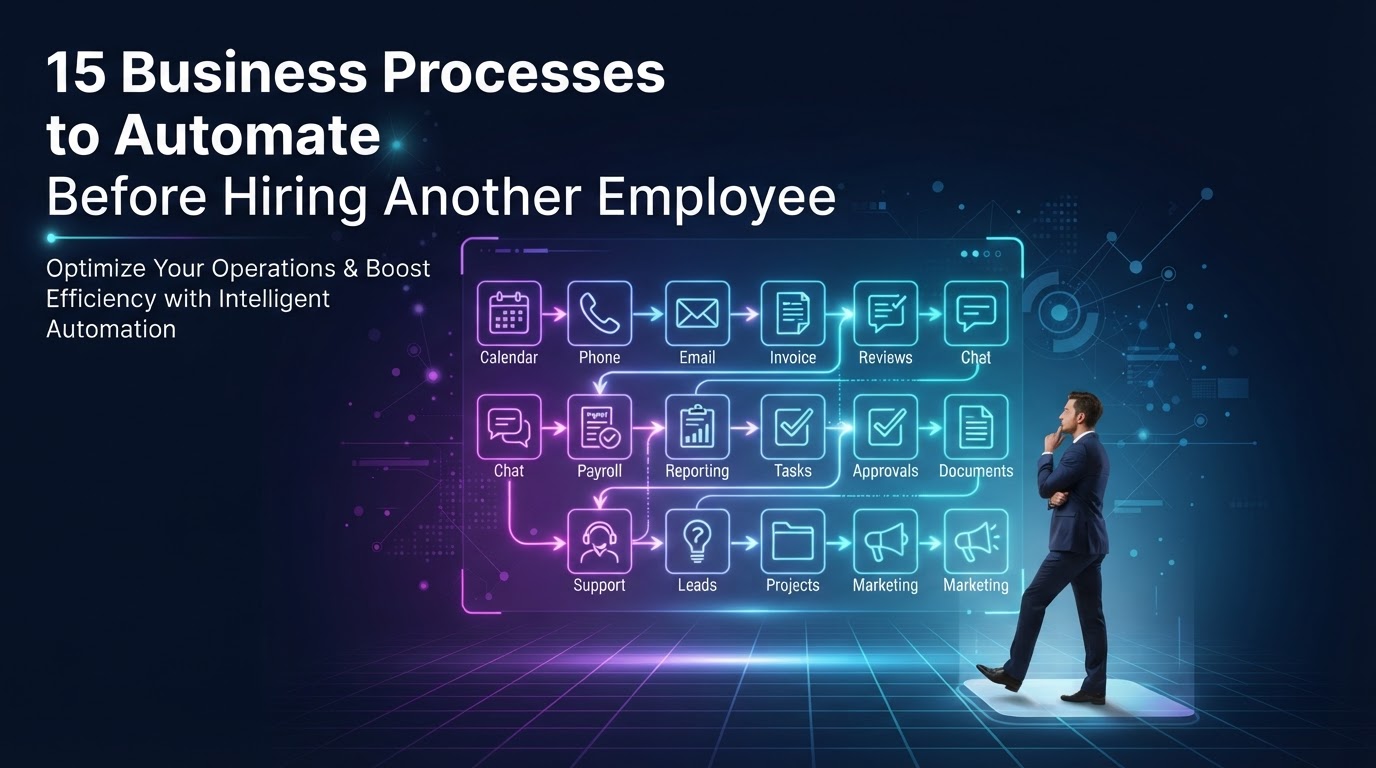
The instinct when a business gets busy is to hire. But before you add headcount, you should ask a different question: how many of the tasks consuming your team's time are repetitive, rules-based, and predictable enough to automate? In most service businesses, the answer is 15–25 hours per week per employee — work that doesn't require judgment, empathy, or creativity. Automating those tasks first often eliminates the need for the hire entirely, or makes the hire you do make far more strategic. This guide walks through 15 specific business processes that are strong automation candidates, organized by where they sit in the customer journey.
01Why Automating Before Hiring Changes the Math
Hiring a new employee costs more than salary. A $50,000/year hire actually costs $65,000–$70,000 once you add benefits, payroll taxes, equipment, software seats, and training time. Then there's the ramp period — 3–6 months before the new hire is fully productive. During that ramp, they consume more time from existing staff than they save. The total cost of a hire in the first year often exceeds $80,000.
Automation, by contrast, costs a fraction of that and deploys in days, not months. A $4,000/month managed automation subscription delivers working workflows within 5–14 days, with no ramp period, no benefits, and no turnover risk. According to McKinsey's State of AI report, 60% of occupations have at least 30% of activities that are technically automatable — meaning most businesses are sitting on significant automatable hours before they ever need to hire.
The strategic move is to automate the repetitive work first, then hire for the judgment-intensive work that remains. This means your new hire — if you still need one — starts at a higher level of contribution from day one, because the busywork is already handled. Our small business automation guide covers the prioritization framework in detail; this article lists the specific processes to evaluate.
02Lead Capture & Response (Processes 1–4)
- 1New lead intake and CRM entry — Every time a form is submitted, a lead is manually entered into the CRM, tagged, and assigned. This should be instant and automatic: form submission triggers CRM record creation, lead enrichment, team notification, and confirmation email — all in under one second. This is the single highest-ROI automation for most service businesses.
- 1Instant lead response — Harvard Business Review found that firms responding to leads within an hour were 7x more likely to qualify them. Yet most businesses take hours or days. An automated instant reply — personalized with AI based on the lead's message — protects every lead until a human can engage. This single automation typically lifts conversion 20–30%.
- 1Missed-call text-back — When a call goes unanswered, the caller almost never leaves a voicemail; they call the next business on Google. An automated SMS sent within seconds of a missed call recovers that lead while they're still holding their phone. This is one of the fastest-deploying, highest-impact automations available.
- 1Lead nurturing sequences — Once a lead is captured, automated email and SMS drips keep them engaged based on behavior. A lead that clicks a pricing link gets a different next message than one who goes quiet. No human could maintain this level of personalized, consistent follow-up across every lead manually.
03Scheduling & Appointments (Processes 5–7)
- 1Appointment booking — Replace phone-tag and back-and-forth emails with 24/7 self-serve booking. A customer picks a time slot, the system checks calendar availability, books the appointment, and sends confirmation — all automated. This eliminates the single most time-consuming administrative task in most service businesses.
- 1Appointment reminders — Automated SMS and email reminders 24 hours and 1 hour before the appointment reduce no-shows by 30–50%. For a business with 20 appointments per week at $200 each, cutting no-shows from 25% to 12% recovers over $2,000/month in previously lost revenue.
- 1No-show recovery — When a customer doesn't show up, an automated sequence triggers within 30 minutes: a message acknowledging the missed appointment, a link to rebook, and a follow-up the next day. This typically recovers 40–60% of no-shows that would otherwise be permanently lost. Our appointment and calendar automation service builds these sequences as a standard deliverable.
Ready to Automate Your Audit & Consulting?
We build and manage automation audit & strategic consulting for service businesses — done-for-you on a flexible monthly subscription.
04Back Office & Admin (Processes 8–11)
- 1Invoice generation and sending — When a service is marked complete in the CRM, an invoice is automatically generated and sent. No manual data entry, no delayed billing, no forgotten invoices. This improves cash flow and eliminates the most common source of billing errors.
- 1Payment reminders — Automated follow-ups for unpaid invoices, sent on a schedule with escalating urgency. This reduces accounts receivable aging without requiring staff to make uncomfortable collection calls. The system handles the routine reminders; humans only step in for genuinely difficult cases.
- 1Internal reporting — Instead of someone spending two hours every Monday pulling numbers from five different tools into a spreadsheet, a single workflow pulls all sources on a schedule, aggregates them, and emails a summary — or pushes to a live dashboard. This is low-hanging fruit that pays for itself in the first month. Our internal ops automation use case documents the exact architecture.
- 1Document and contract generation — When a deal closes, automatically generate the contract from a template, populate it with CRM data, and route it for e-signature. This eliminates manual document assembly and ensures every contract uses the current template with correct client information.
05Post-Sale & Retention (Processes 12–15)
- 1Review requests — Automatically send a review request via SMS after a service is marked complete, with a direct link to your Google review page. This builds online trust systematically without requiring staff to remember to ask. Businesses that automate review requests typically see a 3–5x increase in review volume within the first quarter.
- 1Customer onboarding sequences — When a new customer signs up, an automated sequence sends welcome emails, setup instructions, and check-ins at 7, 14, and 30 days. This ensures consistent onboarding without requiring a team member to manually manage each new customer's first month.
- 1Re-engagement of inactive customers — Automatically identify customers who haven't booked in 60 or 90 days and send a targeted re-engagement message with an incentive to return. This recovers dormant revenue that most businesses never actively pursue because no one has time to manually track and contact inactive accounts.
- 1Feedback and satisfaction surveys — Automatically send a brief satisfaction survey after each service interaction, flag low scores for immediate human follow-up, and aggregate results into a monthly report. This creates a continuous feedback loop without adding manual survey administration to anyone's workload. Our workflow and integration automation service builds these post-sale sequences end-to-end.
06How to Prioritize Which Process First
Don't try to automate all 15 at once — that's the fastest path to analysis paralysis and implementation failure. Instead, run a simple audit: for each process, estimate the weekly hours it consumes and the revenue impact of automating it. The process with the highest combined score — high hours AND high revenue impact — is your first automation.
For most service businesses, that's lead intake and instant response. It's high-frequency (happens every day), high-impact (directly affects revenue), and low-complexity (the workflow is straightforward). Start there, measure the results for two weeks, then use the reclaimed time to scope and build the next one. This creates a compounding flywheel where each automation funds the next.
The processes that should remain human-led are those requiring empathy, complex judgment, or frequent exceptions: sales negotiations, sensitive customer escalations, strategic planning, and relationship-building. Automation handles the volume; humans handle the value. If you're ready to identify your first automation, our contact page has a prospect questionnaire that helps us scope your highest-ROI workflow within 24 hours.
Key Takeaways
- Before hiring, audit how many repetitive, rules-based tasks consume your team's time — most businesses find 15–25 automatable hours per employee per week.
- Lead intake, instant response, and missed-call text-back are the three highest-ROI automations for service businesses.
- Appointment reminders and no-show recovery can reduce no-shows by 30–50%, directly recovering thousands in lost revenue monthly.
- Back-office automations like invoicing, reporting, and contract generation eliminate manual errors and reclaim 5–10 hours per week.
- Prioritize by combining hours saved and revenue impact — start with one workflow, measure for two weeks, then expand. Compounding wins beat big-bang projects.
Frequently Asked Questions

Written by Moise
Founder & Lead Automation ArchitectMoise is the founder and lead automation architect at Wootomatic. With over a decade of hands-on experience designing, implementing, and maintaining high-throughput business automations, CRM pipelines, and custom AI agents, he has architected mission-critical workflows for hundreds of appointment-based and field-service businesses. His focus is on resilient, monitored systems that produce measurable ROI without fragile software bloat.
Put This Into Practice
We build and manage these automations for service businesses on a flexible monthly subscription. Explore the related service to see how it works:


