
On This Page
10 Scary Business Automation Mistakes—and How to Avoid Them
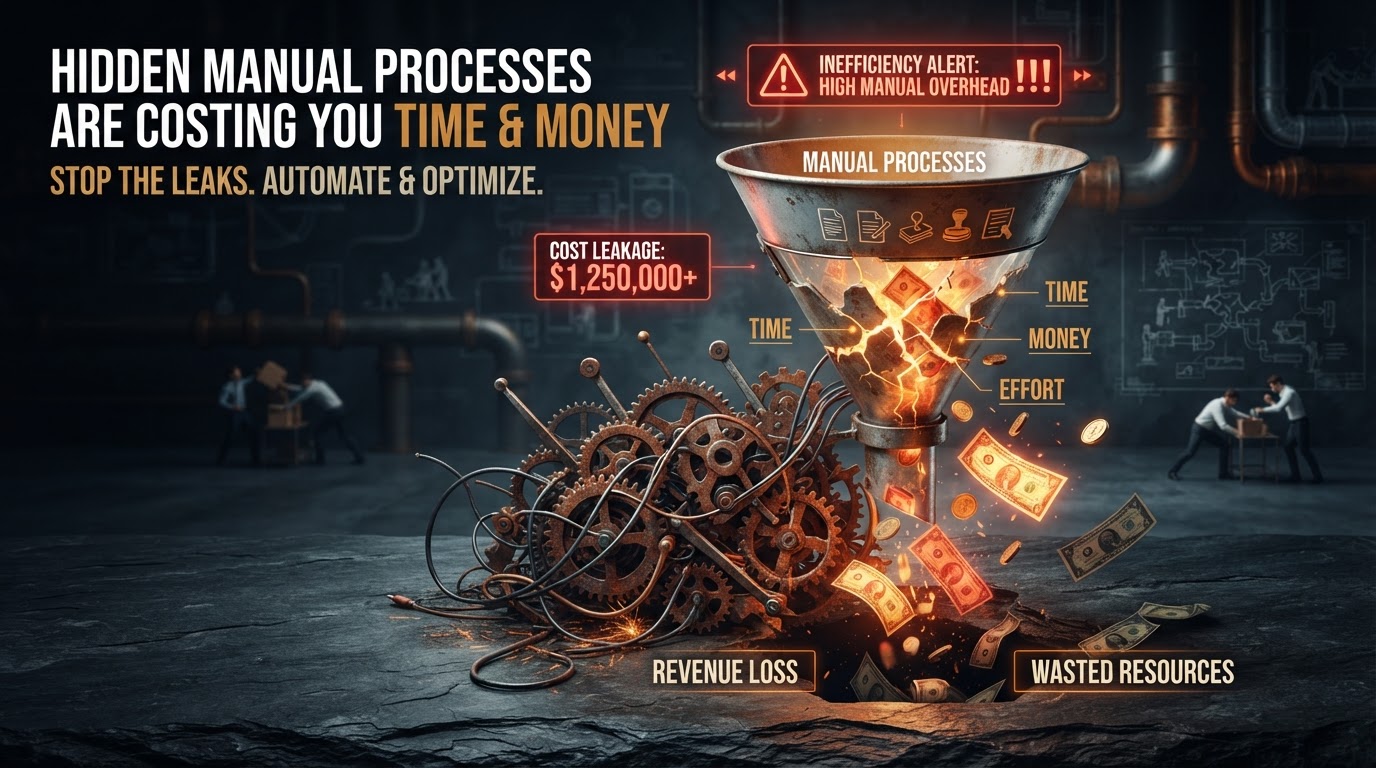
Halloween is the season for scares — but the truly terrifying things in business aren't ghosts and ghouls, they're the automation mistakes that silently drain revenue, alienate customers, and create single points of failure. We've audited hundreds of automations across service businesses, and the same ten mistakes appear over and over. Each one is preventable, and each one, left unfixed, compounds into real damage. This is our field guide to the automation horrors we see most often — and exactly how to exorcise them before they cost you.
01The Ten Automation Mistakes (and Their Fixes)
Here's the full list, ranked by how frequently we encounter them in the field. Each includes the symptom, the cause, and the fix.
| # | Mistake | Symptom | Fix |
|---|---|---|---|
| 1 | No error handling | Silent failures, missing data | Add error routes + alerts |
| 2 | Over-permissioned API keys | Security blast radius | Scope to least privilege |
| 3 | No monitoring | 'It just stopped working' | Uptime checks + alerts |
| 4 | Hardcoded values | Breaks on any change | Use variables + config |
| 5 | No human handoff | Customers stuck in bot loops | Escalation rules |
| 6 | Untested in production | Surprises at scale | Staged rollout |
| 7 | No documentation | Nobody understands it | Document architecture |
| 8 | Chained dependencies | One failure breaks all | Decouple + isolate |
| 9 | No rollback plan | Can't undo a bad deploy | Version + revert |
| 10 | Set-and-forget | Drift over months | Monthly review cadence |
Let's break down each one in detail — because the fix is always cheaper than the damage.
02Mistakes 1–3: The Silent Failures
1. No error handling is the most common and most damaging mistake. A workflow that creates CRM records from form submissions works perfectly — until the CRM API returns an error (rate limit, maintenance window, bad data) and the workflow fails silently. The lead is lost, nobody knows, and the business wonders why 'form submissions are down' when the forms are working fine — it's the workflow that broke. The fix: every automation needs an error route — a fallback that retries, notifies a human, or logs the failure for investigation. Platforms like Make support this natively; in Zapier, use the 'On Error' feature. No error route means the automation is a silent failure waiting to happen.
2. Over-permissioned API keys is the security horror story. A team creates one admin-level API key 'to save time' and uses it across five automations. When one automation is compromised — through a leaked key, a misconfigured webhook, or a prompt injection on an AI agent — the attacker has admin access to the entire system. The fix: create separate, scoped API keys for each automation, limited to the minimum permissions needed. A lead-capture workflow needs create-only access, not read-all and delete. This is the same principle in our AI CRM security checklist — least privilege isn't optional, it's the baseline.
3. No monitoring means the first sign of a broken automation is a customer complaint or a missed revenue number — by which point the damage is done. The fix: set up uptime monitoring on every automation (a daily check that the workflow ran successfully) and alerts for failure rates above a threshold. Most automation platforms have built-in monitoring; turn it on and route alerts to a channel someone actually checks. The cost of monitoring is near zero; the cost of an undetected failure is measured in lost leads and revenue.
03Mistakes 4–6: The Design Flaws
4. Hardcoded values make automations brittle. A workflow with the sales rep's email, the CRM URL, and the pricing tier hardcoded into the steps works until any of those change — then it breaks, and nobody remembers where the value lives. The fix: externalize all configurable values into variables, environment variables, or a settings record in the CRM. When the sales rep changes, you update one variable, not hunt through ten workflow steps. This is a core principle in our workflow and integration automation builds — configurability is maintainability.
5. No human handoff traps customers in bot loops. An AI chatbot that can't escalate means a customer with a complex issue gets stuck in an endless cycle of 'I didn't understand that, could you rephrase?' — and leaves furious. The fix: define escalation rules based on intent, sentiment, and attempt count, and wire them into the bot. After two failed attempts, or on detecting frustration, the conversation escalates to a human with full context. Our AI chatbot human handoff guide covers the full framework — never deploy a bot without it.
6. Untested in production means the first real customers are the test. A workflow that works with 10 test leads might break at 100 due to rate limits, race conditions, or data edge cases. The fix: stage your rollout. Test with internal submissions first, then soft-launch to a subset of traffic (10%), monitor for 48 hours, then scale to 100%. The why business automations fail guide covers this and other failure modes in depth — testing in production is a gamble you don't need to take.
Ready to Automate Your Audit & Consulting?
We build and manage automation audit & strategic consulting for service businesses — done-for-you on a flexible monthly subscription.
04Mistakes 7–10: The Maintenance Gaps
7. No documentation means when the person who built the automation leaves, nobody understands it. The workflow becomes a black box — everyone is afraid to touch it, so it runs until it breaks, and then nobody can fix it. The fix: document every automation's purpose, trigger, steps, dependencies, error handling, and owner. A one-page architecture diagram per workflow is enough. The automation monitoring best practices guide includes a documentation template — treat it as a deliverable, not an afterthought.
8. Chained dependencies create cascade failures. Workflow A triggers B triggers C triggers D — when A fails, B, C, and D all fail, and the blast radius is four workflows instead of one. The fix: decouple where possible. Use a queue or event bus so each workflow runs independently; if A fails, B doesn't automatically fail. Where chaining is necessary, add error isolation so a failure in one step doesn't propagate to the entire chain.
9. No rollback plan means a bad deployment can't be undone. You update a workflow, it breaks in production, and you can't revert because you didn't save the previous version. The fix: version your automations. Most platforms support versioning — use it. Before any change, note the current state so you can revert in minutes, not hours. For critical workflows, maintain a 'last known good' version that can be activated immediately.
10. Set-and-forget is the slow killer. An automation that works perfectly at launch drifts over months — the CRM schema changes, the API deprecates a field, the business adds a new service the bot doesn't know about. The automation slowly degrades until it's producing wrong results that nobody notices. The fix: a monthly review cadence. Check error rates, review escalation logs, verify the automation still matches the current business reality. Our automation audit and consulting service includes this ongoing review — the automation you launch is not the automation you'll have in six months.
05An Anonymized Example from Our Work
A contractor client came to us after their lead-capture automation had been silently failing for three weeks. The symptom: 'we're getting fewer leads.' The reality: the form was working, but the workflow that created CRM records had hit a CRM API rate limit, failed with no error route, and silently dropped every lead for three weeks. Roughly 60 leads — each worth $2,000–$5,000 in project value — were lost. The estimated revenue impact: $120,000–$300,000.
The fix took two hours: we added an error route that retried failed requests, sent an alert to the owner's phone on any failure, and logged the error for investigation. We also added a daily uptime check that verified the workflow had run successfully. Total cost: $0 in tooling, 2 hours of configuration. The client's reaction: 'why didn't we have this from the start?' The answer is mistake #1 — no error handling — and it's the most expensive two-hour fix in automation.
06Exorcising Your Automation Demons
The common thread across all ten mistakes: they're all preventable with basic engineering discipline — error handling, monitoring, documentation, testing, and review. None require advanced tools or large budgets. The businesses that avoid these scares aren't the ones with the most sophisticated automations; they're the ones that treat automation as a system to be maintained, not a feature to be launched. If you're not sure whether your automations have these gaps, the automation audit and consulting service maps every workflow, identifies every mistake, and prioritizes the fixes — because the scariest automation mistake is the one you don't know about.
Key Takeaways
- No error handling is the #1 mistake — silent failures lose leads and revenue with zero visibility until the damage is done.
- Over-permissioned API keys create massive security blast radius — scope every key to least privilege.
- No monitoring means the first sign of failure is a customer complaint — set up uptime checks and failure alerts on every workflow.
- No human handoff traps customers in bot loops — define escalation rules based on intent, sentiment, and attempt count.
- Set-and-forget is the slow killer — a monthly review cadence catches drift before it produces wrong results.
Frequently Asked Questions

Written by Moise
Founder & Lead Automation ArchitectMoise is the founder and lead automation architect at Wootomatic. With over a decade of hands-on experience designing, implementing, and maintaining high-throughput business automations, CRM pipelines, and custom AI agents, he has architected mission-critical workflows for hundreds of appointment-based and field-service businesses. His focus is on resilient, monitored systems that produce measurable ROI without fragile software bloat.
Put This Into Practice
We build and manage these automations for service businesses on a flexible monthly subscription. Explore the related service to see how it works:


