
On This Page
CRM Migration Checklist: How to Move Contacts, Pipelines, Automations, and Conversations Safely
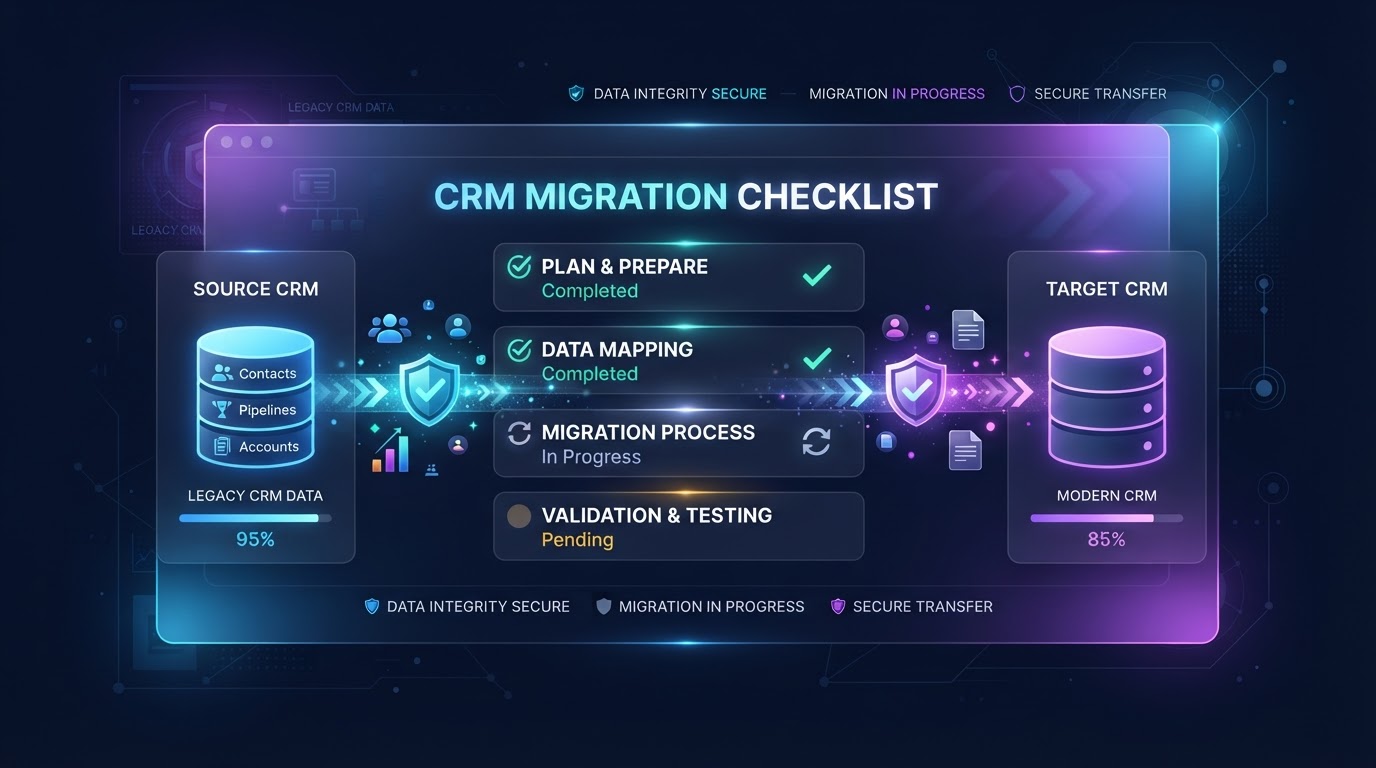
A property management company in the Bay Area migrated their CRM over a weekend and showed up Monday to discover that 4,000 tenant records had lost their unit assignments. The data was technically present — names, emails, phone numbers — but the relationship between tenants and the properties they rented was gone. It took three weeks to reconstruct manually. CRM migrations are among the highest-stakes projects a business undertakes, and they fail in predictable ways: data loss, workflow breakage, and team abandonment. After migrating dozens of businesses, we have distilled the process into a checklist that minimizes risk and maximizes data integrity. This guide walks through every phase.
01The Three Ways Migrations Fail
Most CRM migrations fail not because the technology is hard, but because the planning is thin. The three failure modes are predictable.
Data loss happens when field mapping is treated as an afterthought. Your old CRM has custom fields, tags, and relationship structures that do not exist in the new one. If you map only the standard fields — name, email, phone — you lose the custom data that defines your business: lead source, service type, contract value, referral relationships. A proper migration maps every field, even the ones that seem trivial.
Workflow breakage happens when automations are migrated as configurations rather than re-architected. A workflow that triggered on a specific field value in the old CRM may not have an equivalent trigger in the new one. Copying the logic without understanding the intent leads to automations that fire at the wrong time or not at all. The workflow and integration automation service covers the re-architecture process in detail.
Team abandonment is the quiet killer. The new system is different enough that the sales team reverts to spreadsheets and email. The migration technically succeeded; the business got nothing from it.
02Phase 1: Audit Before You Touch Anything
Before touching any data, audit what you have. Inventory every contact field, custom field, tag, pipeline stage, automation, template, and integration in your current CRM. Document what each one does, who uses it, and whether it is still active. This inventory becomes your migration map — every item needs a destination in the new system or a deliberate decision to retire it.
Clean your data before migrating, not after. Deduplicate contacts — most CRMs have 10 to 20% duplicate records — standardize phone and address formats, fill in missing critical fields, and archive truly dead contacts. Migrating dirty data just moves the mess to a new system, and the mess is harder to clean once it is intermingled with new activity. According to Gartner's data quality research, poor data quality costs organizations an average of $12.9 million annually — do not import that cost into your new CRM.
Map every field explicitly. Create a spreadsheet with columns for old field name, old field type, sample value, new field name, new field type, transformation needed, and notes. Every field that exists in the old system gets a row — even if the destination is 'retired' — so nothing is silently dropped.
03Phase 2: Re-Architect, Do Not Copy
Pipelines and automations are the heart of your CRM, and they rarely map one-to-one between systems. Re-architect your pipelines for the new system's capabilities rather than copying the old structure. A pipeline that made sense in your old CRM may have stages that are redundant in the new one, or missing stages that the new system's automation capabilities make valuable. Use the migration as an opportunity to improve, not just replicate.
Document every automation before migrating it: trigger, conditions, actions, and the business intent behind it. Then evaluate whether the new system can replicate it, improve it, or whether it is still needed at all. Many CRMs accumulate automations that are no longer used — a migration is the right time to retire them rather than carrying dead weight.
Build a dependency map. Automations often depend on each other — one workflow updates a field that another triggers on. Migrating them in the wrong order breaks the chain. Map the dependencies and migrate in order: foundational data first, then field-dependent automations, then notification-based automations last. The CRM and pipeline automation service documents this re-architecture process for businesses moving to a unified platform.
Migrate Your CRM Without Losing What Matters
We run the full migration — audit, re-architecture, sandbox testing, cutover, and hypercare — so your contacts, pipelines, automations, and conversation history arrive intact.
04Phase 3: Sandbox, Then Sample, Then Cut Over
Migrate in a sandbox first, never directly to production. Import your data into a test environment, verify field mapping, check for data loss, and run test automations against the migrated data. This catches mapping errors before they affect your live business. A sandbox migration that reveals 50 missing fields is a success; a production migration that silently drops them is a catastrophe.
Verify data integrity with sampling. Do not trust the import report alone — manually check 50 to 100 records across different segments: new leads, active deals, closed-won, archived contacts. Confirm that custom fields, tags, notes, and activity history migrated correctly. Pay special attention to relationship data — company-to-contact links, referral relationships — which often breaks in migration.
Test every automation against migrated data. Trigger each workflow manually and confirm it fires correctly with the migrated field values. Test edge cases: empty fields, unusual values, records that were mid-sequence when migrated. An automation that works on fresh data may fail on migrated data if field formats differ subtly.
05Phase 4: The Conversation History Problem
Conversation history — emails, calls, SMS, notes — is what makes a CRM valuable, and it is the hardest data to migrate. Email history often lives in the email provider, not the CRM, and syncing it to the new CRM requires reconnecting the inbox. Call logs may live in a separate telephony system. SMS history may be in a messaging platform. Map every conversation source and plan how each connects to the new CRM.
Decide what to migrate versus archive. Migrating five years of email history for 10,000 contacts is expensive and often unnecessary. A common approach: migrate the last 12 to 18 months of conversation history — what is actively relevant — and archive the rest in a searchable backup. This keeps the new CRM fast and focused while preserving access to older history if needed.
Preserve the relationship between conversations and contacts. A migrated email that is not attached to the right contact record is useless — it is just floating data. Verify that every migrated conversation is correctly linked to its contact, deal, and company records. This is where most migrations lose value silently: the data is technically present but disconnected from the records it belongs to.
06Phase 5: Cutover and the First 90 Days
Plan the cutover for a low-activity period — a weekend, a holiday, the slowest day of your week. Freeze the old CRM, run the final delta migration of anything changed since the sandbox, verify, and switch the team to the new system. Have a rollback plan: if something critical breaks, you can revert to the old CRM within hours.
Train the team before cutover, not after. The number one reason CRM migrations fail is team abandonment — the sales team finds the new system confusing and reverts to spreadsheets. Prevent this with hands-on training on the new system's workflows, not feature tours. Show each team member exactly how to do their daily tasks in the new CRM, and provide a quick-reference guide for the first two weeks.
Run a hypercare period for two to four weeks post-launch. Have a dedicated resource available to fix issues, answer questions, and tune automations in real time. Monitor adoption metrics: login frequency, records created, automations triggered. If adoption drops, intervene immediately — do not wait for the team to formally complain. The automation audit and consulting engagement includes post-migration stabilization as a standard phase. The goal of the first 90 days is not to replicate your old system in a new interface — it is to unlock capabilities the old system could not provide.
Key Takeaways
- CRM migrations fail from thin planning, not hard technology — data loss, workflow breakage, and team abandonment are the three predictable failure modes.
- Audit and clean your data before migrating — deduplicate, standardize, and map every field explicitly in a spreadsheet before touching the new system.
- Re-architect pipelines and automations for the new system's capabilities; do not just copy the old structure — use the migration as an opportunity to improve.
- Always migrate to a sandbox first, verify with sampling, and test every automation against migrated data before production cutover.
- Train the team before cutover and run a 2–4 week hypercare period — team abandonment in the first weeks is the #1 reason migrations fail.
Frequently Asked Questions

Written by Moise
Founder & Lead Automation ArchitectMoise is the founder and lead automation architect at Wootomatic. With over a decade of hands-on experience designing, implementing, and maintaining high-throughput business automations, CRM pipelines, and custom AI agents, he has architected mission-critical workflows for hundreds of appointment-based and field-service businesses. His focus is on resilient, monitored systems that produce measurable ROI without fragile software bloat.
Put This Into Practice
We build and manage these automations for service businesses on a flexible monthly subscription. Explore the related service to see how it works:


