
On This Page
Appointment Automation for Dinuba Dental Practices: Scheduling, Reminders & Safe Patient Routing
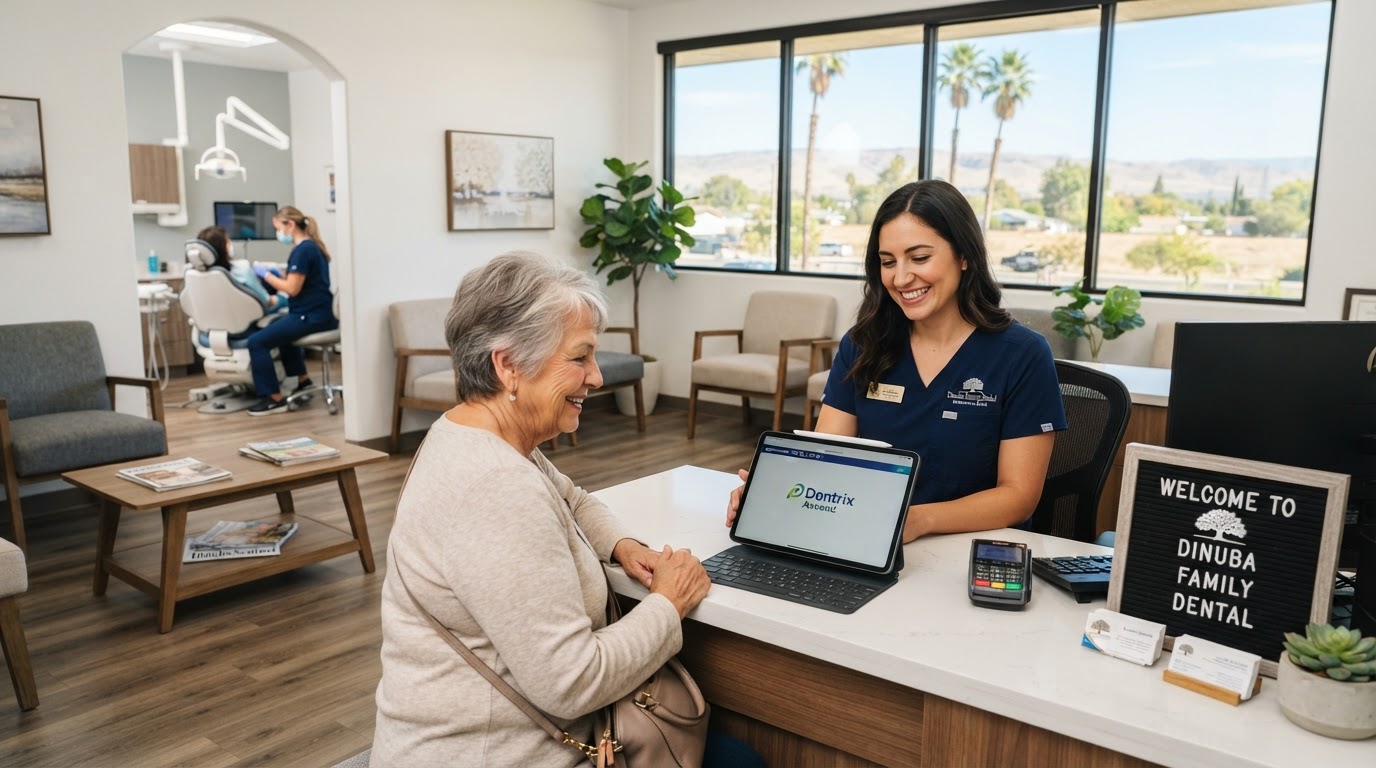
Appointment automation helps a dental practice manage the administrative work surrounding a visit — appointment requests, confirmations, reminders, intake forms, cancellations, and rescheduling. It should not diagnose symptoms, determine clinical urgency without qualified review, or expose sensitive patient information through unsecured messages. For Dinuba dental practices, the goal is a more dependable front-office workflow — not an unsupervised digital dentist.
01What Can a Dental Appointment Workflow Automate?
A carefully configured system can support new-patient appointment requests, existing-patient confirmations, appointment reminders, approved cancellations and rescheduling, waitlist notifications, digital intake links, secure insurance-information collection, recall campaigns, internal follow-up tasks, and practice-approved post-visit instructions.
The practice must determine which actions can happen automatically and which require staff approval. A routine cleaning reminder is a different decision than a message describing swelling after an extraction — and the workflow should reflect that distinction. Our appointment and calendar automation service is built around exactly this kind of rule-based routing.
02Why Dental Scheduling Becomes a Bottleneck
Dental front-office employees constantly move between telephone calls, patients at the desk, insurance questions, treatment-plan follow-up, and schedule changes. A missed call or incomplete form creates more work later: staff must return the message, identify the patient, determine the appointment type, and find a suitable time.
Patients also search for practices outside normal business hours. Someone may want to request a cleaning, ask whether new patients are accepted, or obtain instructions about a dental concern. A basic contact form captures a message, but it does not guide the patient to the correct next step. Automation can organize these requests while preserving access to trained staff.
For the broader local context, see our Dinuba service area page and our appointment automation for Dinuba businesses.
03Scheduling Is Not Clinical Triage
This distinction is critical. Scheduling automation can ask whether the person is a new or existing patient, what type of appointment they are requesting, what days or times generally work, and what their preferred contact method is. It should not independently decide whether pain, swelling, trauma, bleeding, or another symptom is clinically urgent.
The workflow should display the practice's approved emergency instructions and route symptom-related messages to trained employees. When immediate danger may exist, patients should be directed to call 911 or seek appropriate emergency care according to the practice's established policy. An AI assistant should never claim to diagnose, prescribe treatment, or guarantee an outcome.
This clinical-boundary rule is the same guardrail principle we apply across our AI chatbots and voice assistants service — the assistant handles the routine, humans handle the judgment.
04A Patient-Friendly Scheduling Journey
A practical workflow may operate as follows:
- 1A patient submits an appointment request through the website, telephone system, or text channel.
- 2The system identifies whether the person is a new or existing patient.
- 3It collects only the information needed for scheduling.
- 4Eligible appointment types are matched with approved calendar rules.
- 5The patient receives a confirmation or a notice that staff must review the request.
- 6Reminders are sent using an approved communication channel.
- 7The patient can confirm, cancel, or request another time.
- 8Calendar changes and staff tasks are updated automatically.
This approach reduces unnecessary back-and-forth without removing employee oversight. A useful confirmation message might say:
The messages should sound like the practice — not like a generic bot copied across dozens of clinics.
05How Appointment Reminders Should Work
More messages are not necessarily better. A reminder sequence should be concise, useful, and consistent with the patient's communication preferences. A practice might send a confirmation immediately after booking, a reminder several days before the appointment, a final reminder closer to the visit, and a simple option to confirm or request another time.
Timing should reflect the practice's appointment types and policies. A lengthy procedure may require different preparation instructions than a routine cleaning. Ordinary text messages should not contain unnecessary clinical information — a lock-screen notification can identify the practice and appointment time without revealing sensitive treatment details.
The same reminder discipline that cuts no-shows in our appointment and calendar automation deployments applies here: reminders should reduce friction, not add noise.
06Automating the Cancellation Waitlist
When a patient cancels, an employee may need to call several people to fill the opening. A waitlist workflow can identify patients who requested an earlier appointment and notify eligible people according to rules established by the practice.
The message should explain that the opening is limited and is not reserved until accepted. Once a patient confirms, the calendar must update so the same appointment is not offered to someone else. This process requires careful testing — two patients should never receive conflicting confirmations for the same appointment.
Scheduling That Protects Patient Trust
We'll map your dental practice's scheduling workflow, wire the appointment automation, and connect it to your calendar and CRM — done-for-you on a flexible monthly subscription that keeps your clinical team in control.
07Supporting Different Patient Needs
Dental practices may serve patients who prefer different languages, communication methods, or levels of digital assistance. Automation can provide approved multilingual intake and reminder messages. Translations should be reviewed for accuracy, especially when they involve clinical, financial, or legally significant information.
Patients should also have a clear way to speak with an employee. A person should not be forced to use chat or text to receive care. Online forms should work with keyboards and assistive technology, use readable labels, and avoid unnecessary time limits.
08Protecting Patient Information
Dental appointment automation may involve personal and health-related information. The practice and its vendors must determine what information is collected, why it is necessary, where it is stored, who can access it, how it is protected, how long it is retained, and how it is deleted.
Important safeguards may include:
- Data minimization
- Role-based access
- Strong staff authentication
- Appropriate encryption
- Audit logs
- Required vendor agreements
- Retention and deletion policies
- Incident-response procedures
- Employee training
Using software described as 'HIPAA-ready' does not automatically make a dental practice compliant. Compliance depends on the complete implementation, agreements, policies, configuration, and actual use. Practices should obtain qualified legal and compliance guidance for their circumstances. Our security page describes the controls we build around sensitive data.
09A Realistic Dinuba Dental Workflow
Imagine a new patient finding a Dinuba dental practice after business hours and requesting a routine exam. The website assistant confirms that the practice is accepting appointment requests, collects basic contact information through an approved workflow, and presents available request windows.
The patient selects a time. Because the practice requires staff review for new-patient appointments, the system labels the selection as pending instead of immediately confirming it. The next morning, an employee reviews the request, confirms the correct appointment duration, and sends the final confirmation with a secure intake link.
If the patient instead reports severe swelling and difficulty breathing, the workflow does not simply offer the next routine appointment. It displays the practice's approved emergency directions and alerts the appropriate employee according to policy. This distinction is both a safety requirement and a trust requirement. See the full lead-capture architecture in our AI chatbot human handoff guide.
10Connecting Calendars, Forms, and Patient Systems
The automation may need to connect practice-management software, an appointment calendar, website forms, a business phone system, a messaging provider, a secure intake platform, and an internal task system. The practice must determine which platform is the authoritative record for patients and appointments.
Avoid creating multiple calendars that employees must reconcile manually. When a platform cannot support a secure real-time connection, it may be safer to submit appointment requests for approval rather than promise immediate confirmation. Our workflow and integration automation service handles these connections so a request created in one system appears in every other system that needs it.
11How to Launch Dental Appointment Automation Safely
A reliable implementation normally follows these stages:
Document appointment types. List each appointment category, expected duration, eligible providers, and scheduling restrictions.
Separate administrative and clinical requests. Define which questions the system may handle and which require trained staff.
Minimize data collection. Do not request detailed health information simply because a form is capable of storing it.
Record communication preferences. Respect the channels patients have agreed to use. Keep appointment communication separate from promotional campaigns.
Test edge cases. Test cancellations, late responses, duplicate submissions, full calendars, urgent language, requests involving minors, incorrect phone numbers, and integration outages.
Train the front office. Employees should know how to take over a conversation, correct a record, pause a workflow, and report an error.
Review operational outcomes. Measure staff response time, successful confirmations, completed rescheduling requests, unfilled cancellations, workflow errors, patient complaints, and opt-outs.
Our automation audit and consulting service can scope this end-to-end before you commit to a build.
12How to Measure Whether It Works
The goal is not simply to send more reminders. It is to reduce front-office burden and improve scheduling dependability without weakening patient trust. Track the following:
- Staff response time
- Successful confirmations
- Completed rescheduling requests
- Unfilled cancellations
- Workflow errors
- Patient complaints
- Opt-outs
Compare these measurements with a baseline from before the automation was launched. Claims about reducing no-shows should only be made after comparing reliable before-and-after records — the same measurement discipline we describe in our small business automation guide.
13Make Scheduling Easier Without Weakening Patient Trust
Dinuba dental practices do not need to choose between a dependable front office and a human touch. The right automation handles the repetitive scheduling work — requests, confirmations, reminders, waitlists, and intake routing — so front-office employees can spend their time with the patients in front of them instead of the phone ringing in the back.
Wootomatic designs appointment, CRM, and communication workflows for healthcare and wellness businesses in Dinuba and throughout California. We focus on dependable automation, clear clinical boundaries, and human handoffs that employees can manage. Explore appointment automation for Dinuba businesses, learn about AI chatbots and voice assistants, or review our pricing and plans to see how a managed subscription fits a working dental practice's budget.
Key Takeaways
- Dental appointment automation can handle requests, confirmations, reminders, waitlists, and intake — while keeping clinical triage and judgment with trained staff.
- Scheduling is not clinical triage: the workflow should display approved emergency directions and route symptom-related messages to employees, never diagnosing or guaranteeing outcomes.
- Reminders should be concise and privacy-aware — a lock-screen notification can identify the practice and time without revealing sensitive treatment details.
- HIPAA-ready software does not make a practice compliant; compliance depends on the complete implementation, vendor agreements, access controls, policies, and actual use.
- Measure staff response time, confirmations, reschedules, unfilled cancellations, and opt-outs against a pre-launch baseline before making any no-show reduction claim.
Frequently Asked Questions

Written by Moise
Founder & Lead Automation ArchitectMoise is the founder and lead automation architect at Wootomatic. With over a decade of hands-on experience designing, implementing, and maintaining high-throughput business automations, CRM pipelines, and custom AI agents, he has architected mission-critical workflows for hundreds of appointment-based and field-service businesses. His focus is on resilient, monitored systems that produce measurable ROI without fragile software bloat.
Put This Into Practice
We build and manage these automations for service businesses on a flexible monthly subscription. Explore the related service to see how it works:


